Netware Blue
Retro design system inspired by 1990s Novell NetWare
Admin consoles and CLI menus should feel like SYSCON and PCONSOLE, not like a generic dashboard template. Netware Blue is the opt-in aesthetic extension for internal tooling.
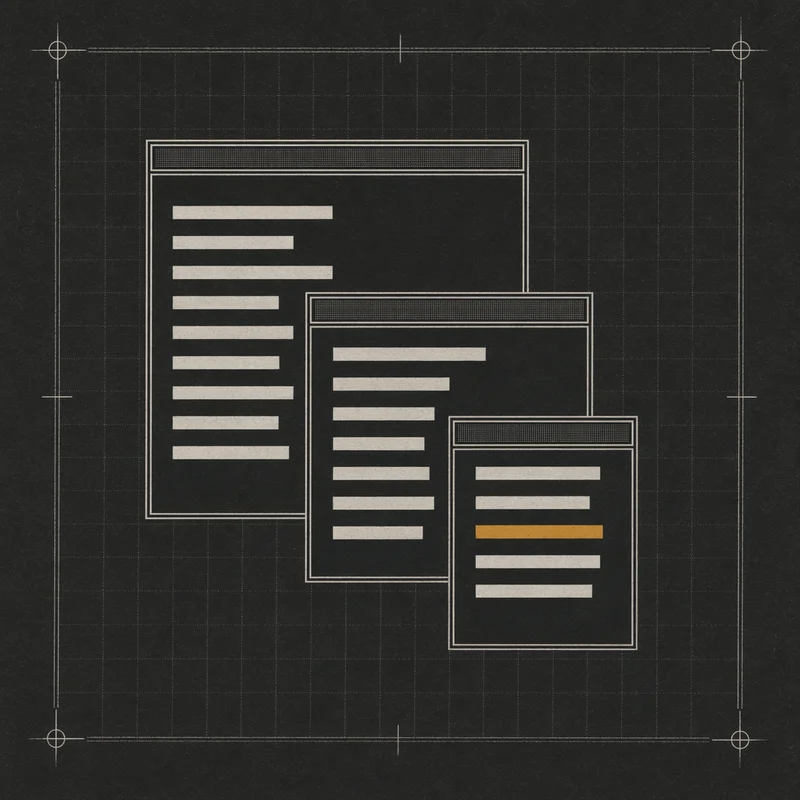
Admin consoles and CLI menus have, over the last fifteen years, gradually converged on a single generic dashboard aesthetic — cards, Tailwind grays, a left rail. Nothing wrong with it. But anything that should feel like system operation — something you’d run at 2 AM to reassign a print queue, walk a backup log, or find the one user holding a file lock — loses something in that translation. Netware Blue is the deliberate opposite: an opt-in retro design system inspired by the 1990s Novell NetWare 3.x C-Worthy character-mode UI. Blue backgrounds, yellow double-line borders, cascading sub-windows, CP437 box-drawing glyphs. Not affiliated with Novell; a tribute. Published as an MIT-licensed npm package at @niclydon/netware-blue for anyone building internal tooling that deserves the treatment.
Three layers, strict directional dependencies. Tokens (no deps) hold colors, typography, glyphs, spacing. Core (depends on tokens) holds framework-agnostic component definitions as POJO trees. Renderers (depend on core and tokens) turn those trees into pixels — a terminal renderer that emits ANSI and CP437 through node:tty, and a web renderer that emits DOM and CSS. Six v0 components — Screen, Box, Menu, ListPicker, Input, StatusBar — cover the shapes that most internal tooling actually needs. TypeScript strict, ESM-only. Node 22+ for the terminal renderer; ES2022 browsers for the web renderer. Built with tsup, tested with vitest across four test layers, linted with Biome, versioned with changesets.
Next additions are Dialog (modal sub-windows), ProgressBar (the classic spinning-ASCII bar), Tabs, and Form (for the inputs that need validation feedback). There’s a “using this in public” guide file on the TODO — one page pinning down the conventions (always include the Novell-disclaimer line, never use the tokens outside internal tooling, don’t bend the palette for brand purposes) and pointing at example repos. A dev doing their first admin-console refresh should be able to install the package, read the recipe, and have a working status screen inside an hour.